
Print Size Visualizer
Get your print size right the first time. See exactly how your design fits on real garments, know the actual resolution at any size, and download professional mockups in seconds.

Dial in sizing
See exactly how your design fits on real garments.

Avoid costly mistakes
No more guesswork or reprints from sizing issues.

Download mockups
Use clean mockups for approvals or marketing.
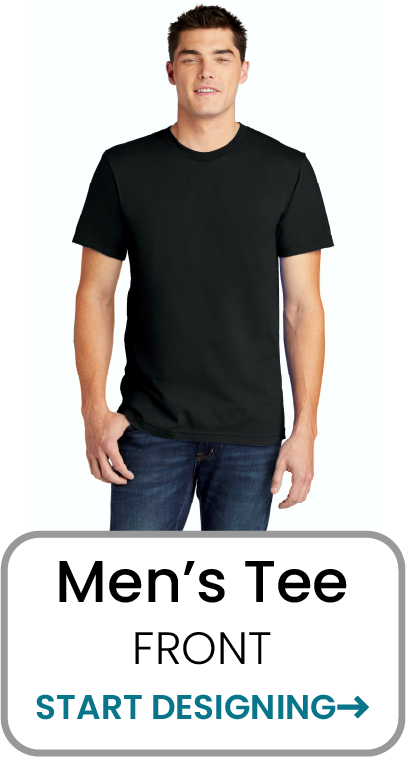
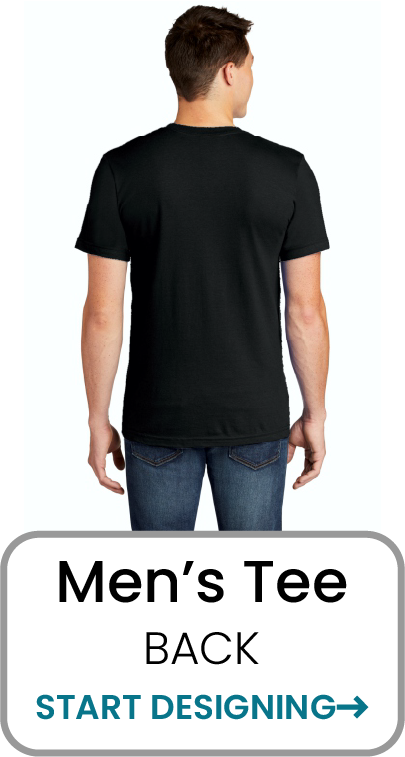
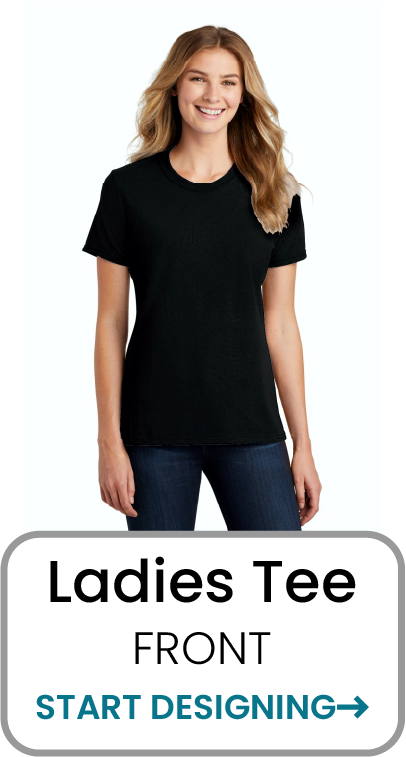
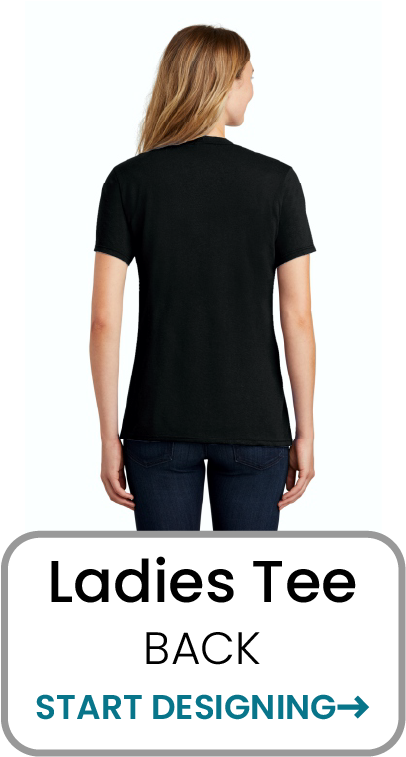
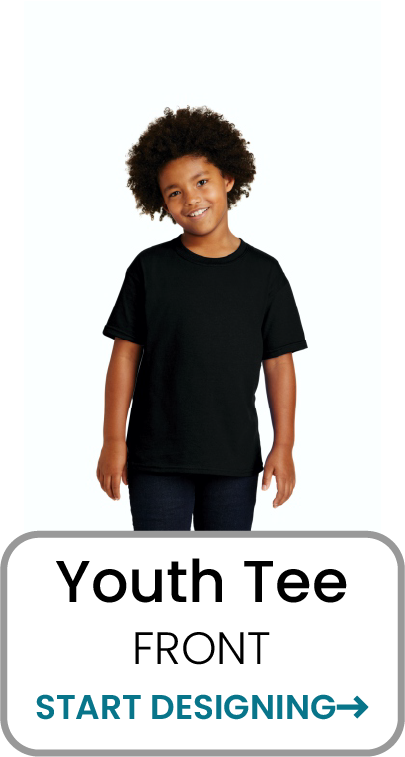
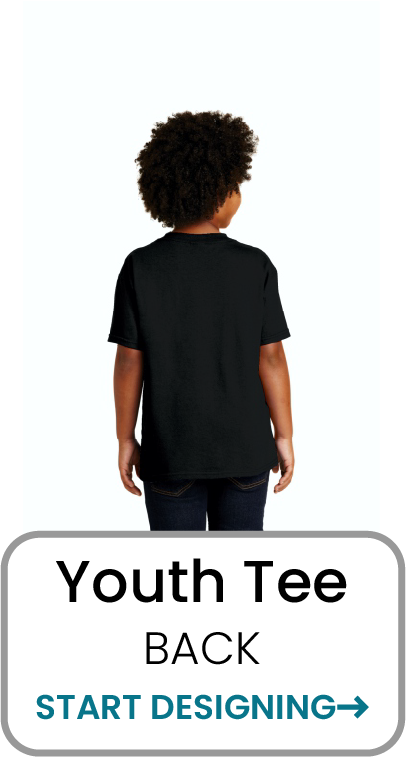
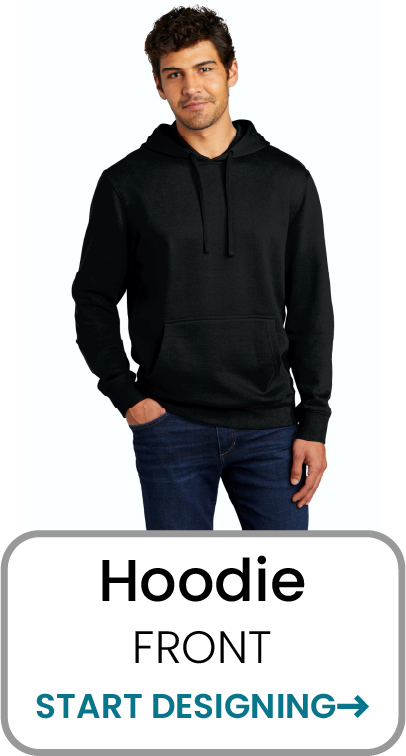
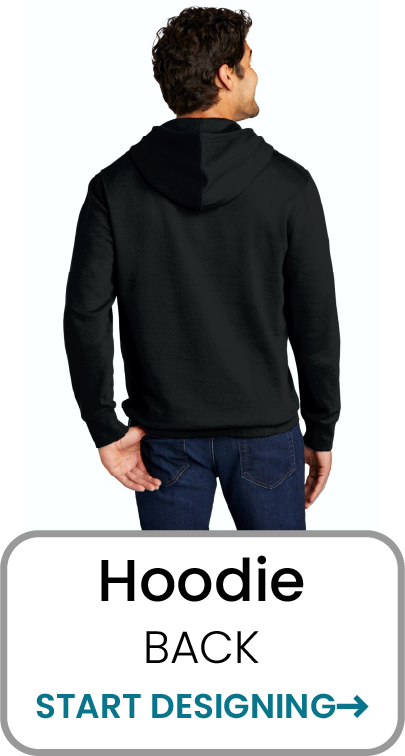
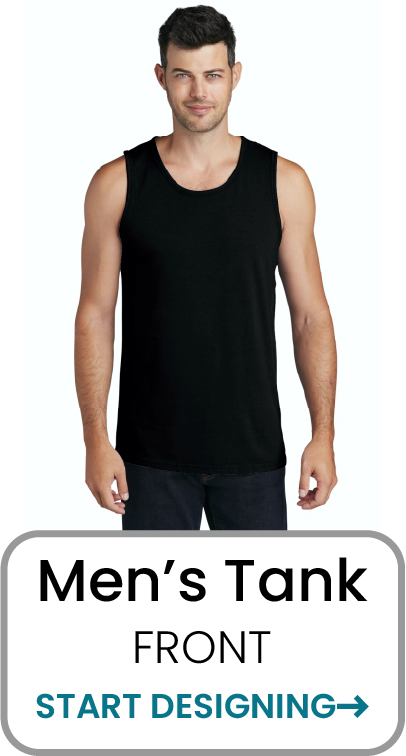
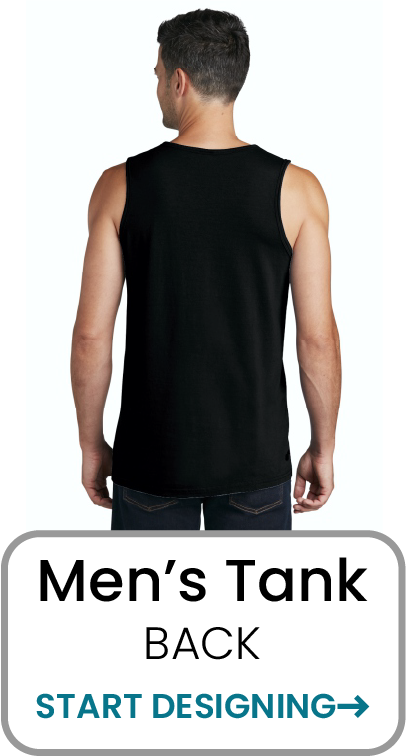
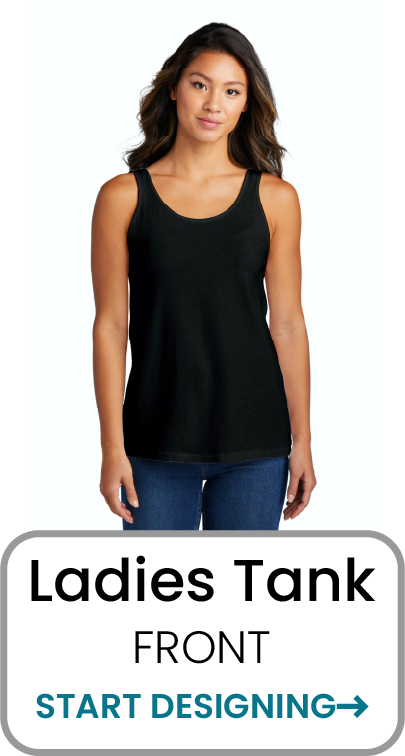
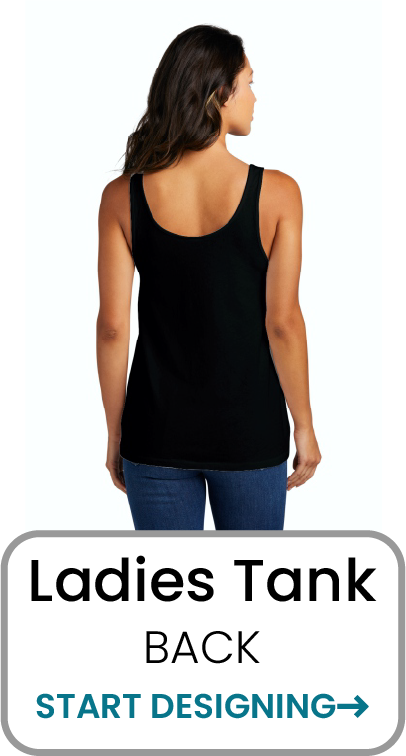
Start by selecting your garment and view.
Each template is built to scale accurately so you can visualize placement, size, and resolution with confidence.
How It Works
1. Upload Your Design
Upload your PNG file.
All uploads are stored for you.

2. Adjust Size Visually
Move it, scale it, and see exactly
how it looks on the garment.
3. Download Your Mockup
Optionally download your high quality
mockups for approvals or marketing.
See the actual resolution at any size.
Our tool calculates the real resolution (DPI) of your design at the size you chose, so you will know if it will print sharp and professional every time.
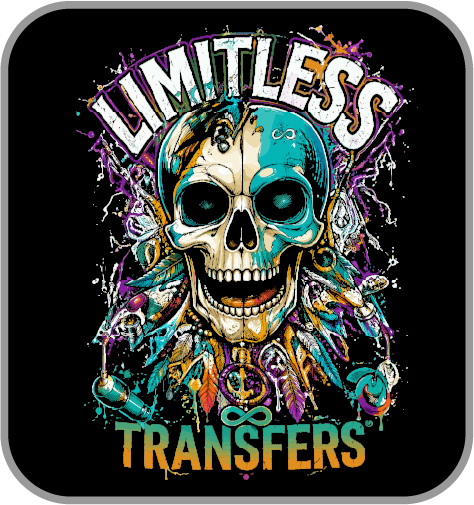
Example at 8" Wide
Example at 11" Wide
Most full front prints are 10-12" wide.
Left chest prints are typically 3-4" wide.
Back prints are typically 11-14" wide.
As a starting point: Ladies are generally 10% Smaller than Men and youth are 15-20% smaller.
Ready to get it right the first time?
Stop guessing. Start visualizing.
Your customers (and your bottom line) will thank you.