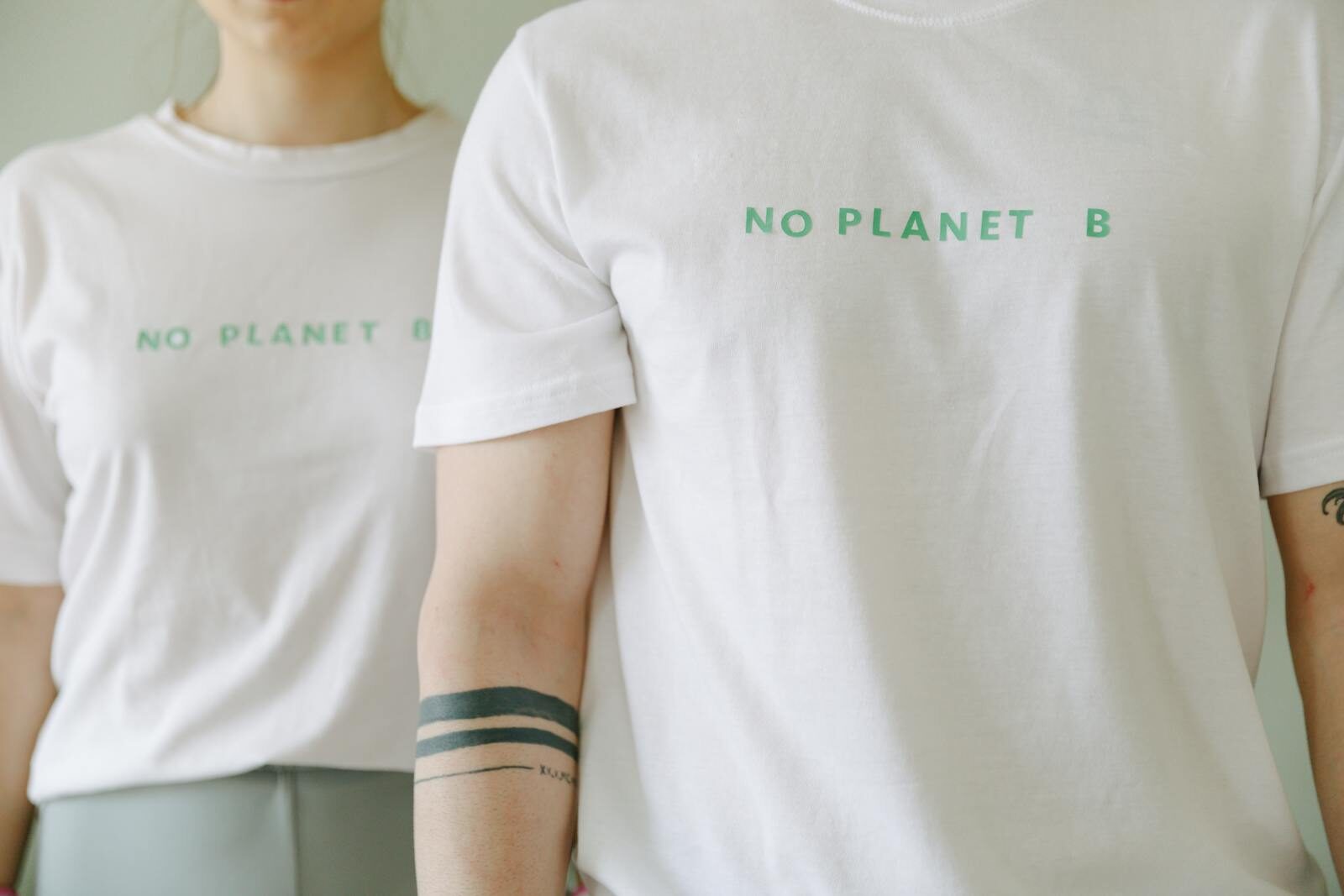
A DTF (Direct to Film) transfer is a digital printing method where a design is printed onto a specialized PET film using CMYK+W inkjet technology, coated with hot melt adhesive powder, cured, and then heat-pressed onto fabric or other surfaces. DTF transfers work on nearly any material—including cotton, polyester, and leather—require no setup fees or minimum orders, and produce vibrant, durable prints that hold up wash after wash. For small runs, custom designs, and maximum flexibility, DTF is one of the smartest choices in custom printing today.
Custom printing has changed dramatically over the past decade. Screen printing still dominates large-scale runs, embroidery holds its ground for structured garments, and sublimation carves out a niche in polyester-heavy products. But DTF transfers have entered the scene and quietly outpaced many of these traditional methods for sheer flexibility and accessibility.
If you’ve typed “what is a DTF transfer” into a search bar recently, you’re not alone. Entrepreneurs, print shop owners, crafters, and e-commerce sellers are all asking the same question—usually right before deciding whether to invest in DTF equipment or outsource their transfers to a trusted supplier. Either way, understanding the process is the first step.
This guide breaks down everything: how DTF transfers work, what materials they bond with, why they’ve become a go-to method for both hobbyists and high-volume print operations, and the common mistakes beginners make along the way. By the end, you’ll have a clear picture of whether DTF is the right fit for your creative or business goals.
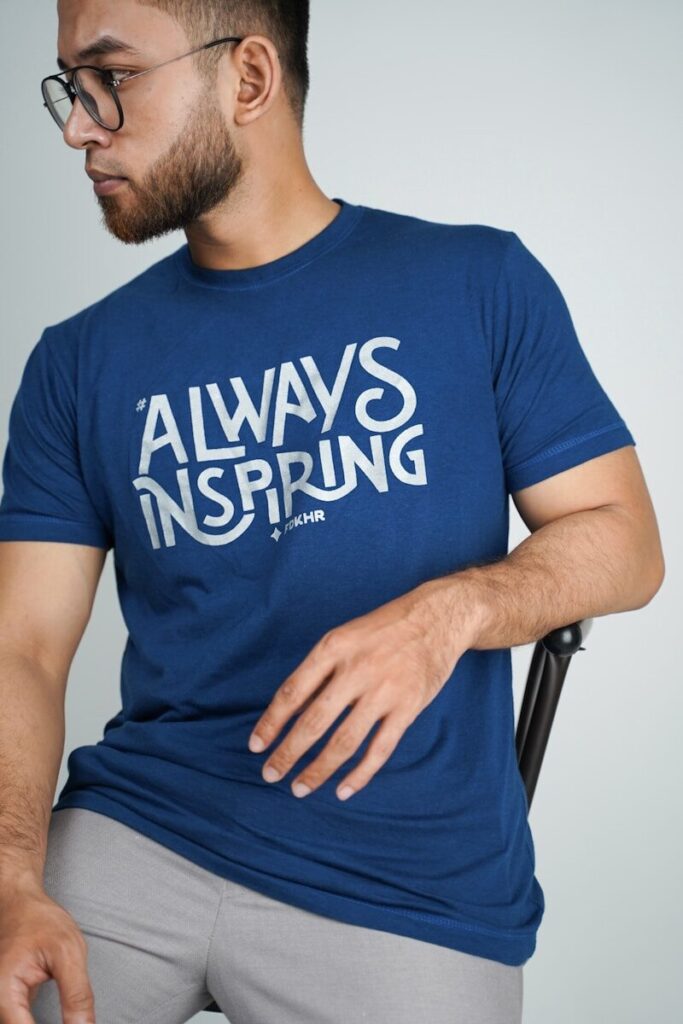
Photo by Fadkhera Official on Unsplash
What Is a DTF Transfer?
Understanding Direct to Film Printing
Direct to Film printing—DTF for short—is a digital printing method where a design is printed onto a specialized transparent PET (polyethylene terephthalate) film, coated with a hot melt adhesive powder, cured with heat, and then transferred to fabric or another surface using a heat press.
The PET film used in DTF printing is approximately 0.75mm thick. It serves as a temporary carrier for the design and is purpose-built to hold specially formulated DTF inks precisely during the printing and curing stages before release onto the final substrate. PET film is valued in printing applications for its outstanding mechanical strength, dimensional stability, and chemical resistance—properties that make it ideal as a transfer medium. ¹
DTF printing relies on high-resolution inkjet DTF printer technology to achieve the fine detail and color accuracy that make this method stand out. These DTF printers lay down ink in a specific sequence using five core ink colors: Cyan, Yellow, Magenta, Black, and White. The CMYK channels handle all the color in the design, while the white ink forms a critical underbase layer. That white layer is what allows DTF transfers to show up vividly on dark fabrics with full opacity—something many competing methods simply can’t match.
After printing, hot melt adhesive powder—the third and final core component of a DTF transfer—is applied to the wet ink surface. Every DTF transfer is made up of just three components: film, ink, and powder. Together, they form a single unified layer, which is one of the reasons the application process is so streamlined and beginner-friendly.
¹ Curbell Plastics — Polyester PET Film Properties
How DTF Transfers Compare to Other Printing Methods
Understanding DTF is easier when you place it alongside other popular methods:
- Screen printing produces excellent results for large, single-color runs but requires expensive screens for each color and isn’t cost-effective for small or custom runs. DTF transfers, by contrast, have no setup fees and no minimum order quantities, making them far more accessible for short runs and one-off designs. If you’re curious about what screen printing actually involves before comparing it to DTF, this beginner’s overview from Barnard breaks it down clearly. ²
- DTG (Direct to Garment) printing applies ink directly to fabric and works well for cotton, but it requires pre-treatment of garments before printing—an extra step that adds time and cost. DTF requires no pre-treatment at all, which simplifies the entire workflow.
- Sublimation printing delivers stunning results on polyester and polymer-coated hard goods, but it’s completely incompatible with cotton and dark-colored fabrics.
- Heat transfer vinyl (HTV) works for simple designs and solid colors, but each layer of color must be cut and weeded individually—a time-consuming process that makes intricate multi-color designs impractical. DTF transfers require no weeding whatsoever, since the entire design is printed as one complete layer.
DTF transfers sidestep most of these limitations. They work on both light and dark fabrics, handle intricate multi-color designs without extra setup, eliminate the pretreatment that DTG demands, and deliver superior color vibrancy compared to vinyl. For print shops looking to expand their offering—or beginners who want professional results without a steep learning curve—DTF is hard to beat.
² Barnard — A Beginner’s Guide to Screen Printing
What Materials Can You Print On with DTF Transfers?
This is where DTF truly shines. Unlike sublimation (polyester only) or DTG (primarily cotton), DTF transfers adhere to a wide range of substrates:
- 100% cotton and cotton blends
- Polyester and tri-blends
- Athletic and performance wear
- Denim and canvas
- Leather and neoprene
- Wood and hard surfaces
- Mouse pads and non-woven fabrics
The ability to print on cotton, polyester, leather, and everything in between makes DTF a smart choice for promotional product companies, event merchandise creators, and specialty item sellers alike.
How DTF Transfers Work: A Step-by-Step Breakdown
Step 1: Create Your Artwork
Start with a high-resolution design on a transparent background. PNG files at 300 DPI or higher are the standard for clean, detailed output. Avoid low-resolution images—pixelated artwork produces blurry prints. Make sure your design is properly sized for the intended garment location before sending it to print.
Getting your file right before you print is just as important as the print itself. Printful’s guide on preparing print files is a helpful resource for understanding file formats, resolution requirements, and how to avoid common artwork mistakes before you upload. ³
One of the best workflow tools for apparel decorators is the gang sheet—a single sheet of PET film that holds multiple designs arranged together. Gang sheets let you maximize every inch of film, reduce waste, and press several designs in one batch. This flexibility is a major reason DTF is so cost-effective for decorators managing multiple SKUs or small custom orders simultaneously.
³ Printful — How to Prepare Perfect Print Files
Step 2: Print the Design onto PET Film
A specialized high-resolution DTF inkjet DTF printer lays down the CMYK color layers first, then applies the white ink layer on top. This order is intentional—the white layer faces outward on the film but ends up closest to the fabric after the transfer is flipped and pressed. The result is that DTF prints maintain accurate, vivid, full-color output even on black or navy garments.
Because the entire design is printed as a single unified layer, there’s no need to align separate pieces, weed away excess material, or layer multiple transfers. This one-layer approach simplifies the DTF printing process significantly—especially for intricate, multi-colored designs that would be time-prohibitive with vinyl.
Understanding how CMYK color works in print is genuinely useful if you want consistent results. CMYK (Cyan, Magenta, Yellow, and Black) is the standard color model for physical printing, and designing with it in mind—rather than RGB—helps ensure what you see on screen matches what you get on fabric. ⁴
Advanced setups—like those used by Limitless Transfers—use expanded gamut CMYK+RGBO+W printing with refined ICC profiles to push color accuracy even further, ensuring vibrant, true-to-life results every time.
⁴ Printful — How to Prepare Perfect Print Files: Color Modes Explained
Step 3: Apply the Hot Melt Adhesive Powder
While the ink is still wet, hot melt adhesive powder is evenly distributed across the printed surface. This powder acts as the bonding agent—it’s what allows the transfer to fuse permanently to the fabric fibers during heat pressing. Full, consistent coverage is key. Excess powder must be shaken off before curing to prevent rough spots or weak adhesion on the finished product.
Step 4: Cure the Transfer
The powder-coated film passes through a curing oven (or under a heat source) to melt the adhesive powder and bond it to the ink layer. This step is critical for long-term durability. Undercured transfers peel prematurely; overcuring can cause brittleness. Proper curing is one of the most important—and often overlooked—variables in producing transfers that hold up through numerous washes without fading or cracking.
Step 5: Apply with a Heat Press
Place the cured transfer face down on the fabric and apply firm, even pressure using a heat press. Common heat press settings for DTF application are 300°F–320°F for 15–30 seconds, though you should always follow the specific guidelines for your transfer supplier and fabric type.
Heat press settings vary more than most beginners expect. Temperature, dwell time, and pressure all interact—and different fabrics respond differently. Galaxy Press has published a detailed heat press temperature and time guide that’s a practical reference for dialing in your settings. ⁵
True hot-peel DTF transfers—like those from Limitless Transfers—let you peel the film immediately while it’s still hot, which dramatically speeds up production on large orders and reduces handling time between presses.
⁵ Galaxy Press — The Ultimate Heat Press Guide: Temperature and Time Settings
Step 6: Peel and Finish
Once peeled, the design is bonded directly to the fabric through the adhesive layer. A properly applied DTF transfer withstands numerous wash cycles without cracking, peeling, or fading—provided the correct press settings were used, and the transfer itself was high quality.
It’s worth noting that DTF prints can sometimes feel slightly heavier on the fabric compared to other methods—such as sublimation or screen printing—due to the adhesive layer and ink film sitting on top of the fibers rather than being absorbed into them. For most garments and applications, this is a minor trade-off given the quality and durability benefits. That said, it’s worth knowing upfront, especially for lightweight or performance fabrics where a softer hand feel is a priority. Bella+Canvas has a helpful primer on how to heat press different fabric types that covers what to expect across various garment constructions. ⁶
⁶ Bella+Canvas — How to Heat Press on 3 Types of Fabric
Benefits of Using DTF Transfers for Custom Printing
No Setup Fees, No Minimums, No Weeding
One of the biggest practical advantages of DTF is what it doesn’t require. There are no setup fees and no minimum order quantities, which means you can order a single custom transfer just as easily as a batch of 500. Combined with the fact that DTF requires no weeding—unlike vinyl, where every fine line and interior cutout has to be manually removed—the time savings are real and add up fast.
Superior Vibrancy and Detail
DTF transfers produce vibrant, full-color images with intricate details that are difficult to match with vinyl or screen printing for small quantities. The white ink underbase ensures that even the most colorful designs pop on dark garments, while the CMYK ink formulation delivers accurate, consistent color across every transfer.
Compared to vinyl, DTF offers superior color vibrancy and the ability to reproduce photographic-quality gradients and fine linework without any of the limitations that come with cutting and layering.
Durability Across Washes
A high-quality DTF transfer, properly applied, won’t fade, crack, or peel through numerous wash cycles. The hot melt adhesive creates a strong bond with fabric fibers during heat pressing, and the cured ink layer is designed to flex with the garment rather than become brittle over time.
No Pre-Treatment Required
Unlike DTG printing—which requires garments to be pre-treated with a chemical solution before ink can be applied—DTF transfers require zero pre-treatment. You press and go. This saves time, eliminates an extra consumable from your workflow, and makes DTF far more practical for on-demand production.
Cost-Effective for Small Runs
Screen printing is economical at high volumes, but the setup costs (screens, inks, makeready time) make it expensive for small batches. DTF is more cost-effective for small runs because there’s no screen to create and no minimum quantity to hit. Whether you need one transfer or one thousand, the per-unit quality stays consistent, and the entry DTF transfer cost stays low.
One-Layer Simplicity
Because the entire DTF design is printed on one layer, the application is fast and straightforward. There’s no alignment of multiple pieces, no registration marks to line up, and no risk of layering errors. You place it, press it, peel it. That simplicity is a big reason why DTF has become the go-to method for decorators scaling their operations without sacrificing print quality.
Gang Sheet Flexibility
DTF gives decorators the flexibility to use gang sheets for multiple designs—arranging several different graphics on a single sheet of PET film to minimize waste and maximize efficiency. This is especially valuable for Etsy sellers and small print shops managing diverse custom orders, where batching designs together on one sheet can significantly reduce both cost and turnaround time.
Works on Nearly Any Material
Most printing methods are substrate-specific. DTF transfers are not. The hot melt adhesive bonds to cotton, polyester, leather, and dozens of other materials—making it one of the most versatile decorating methods available. Whether you’re pressing t-shirts, hoodies, canvas bags, denim jackets, or leather accessories, the same transfer process applies.
What to Know Before You Start: Beginner Tips
Understand Your Heat Press Settings
Consistent, accurate heat press settings are non-negotiable. Aim for 300°F–320°F with 15–30 seconds of dwell time and firm, even pressure. Inconsistent pressure leads to partial adhesion; temperatures that are too low leave the transfer under-bonded; too high and you risk scorching the fabric or overcuring the adhesive.
Invest in a quality heat press with even platen pressure, and use a pressure gauge or test print to dial in your settings before running a full production batch.
Use the Right File Format
For best results, upload PNG files with transparent backgrounds at 300 DPI or higher. This ensures clean edges, accurate colors, and no unwanted background artifacts in your finished print. If you’re using a gang sheet builder like the one offered by Limitless Transfers, PNG files slot right in without any extra file preparation.
For a deeper dive into proper file prep—covering everything from resolution to color profiles to how to handle transparency correctly—French Press Custom’s artwork preparation guide is worth bookmarking. ⁷
⁷ French Press Custom — How to Prepare Your Artwork for Screen Printing (The file prep principles apply equally well to DTF.)
Outsourcing vs. In-House DTF
If you’re not ready to invest in a specialized high-resolution DTF inkjet printer, PET film, ink, powder, and a curing oven, outsourcing your transfers to a reliable supplier is a smart starting point. Suppliers like Limitless Transfers handle the printing, curing, and quality control—shipping ready-to-press transfers directly to your door, often with same-day shipping on orders placed by noon EST.
There are no setup fees and no minimums, so you can start small, test your designs, and scale up as your business grows—without committing to expensive equipment before you’re ready.
Account for the Feel of the Print
DTF prints can feel slightly heavier on the fabric than methods like sublimation or soft-hand screen printing. This is a result of the adhesive layer and ink film sitting on the surface of the fabric rather than absorbing into the fibers.
For most applications—t-shirts, hoodies, tote bags—the difference is minimal. But if you’re working with ultra-lightweight performance fabrics or producing garments where a barely-there feel is essential, it’s worth ordering a sample first to make sure the result meets your expectations.
Start with Gang Sheets
If you’re placing a first order or testing new designs, gang sheets are your best friend. Arrange multiple designs on a single sheet of PET film to get the most value from each order. Most DTF suppliers—including Limitless Transfers—offer intuitive gang sheet builder tools that let you drag, drop, and arrange designs without needing advanced design software.
Is DTF Right for You?
DTF transfers hit a rare sweet spot: no pre-treatment, no weeding, no setup fees, no minimums, and compatibility with virtually any material. They produce vibrant, full-color, wash-durable prints with intricate detail—at a price point that makes small runs genuinely profitable.
Whether you’re an Etsy seller launching a new apparel line in the printing industry, a print shop looking to expand your decoration capabilities, or a creative entrepreneur testing a new product category, DTF transfers offer the flexibility and quality to support your goals at every scale.
The best way to see the difference for yourself? Order a sample, press it, wash it a few times, and compare. The results tend to speak for themselves.
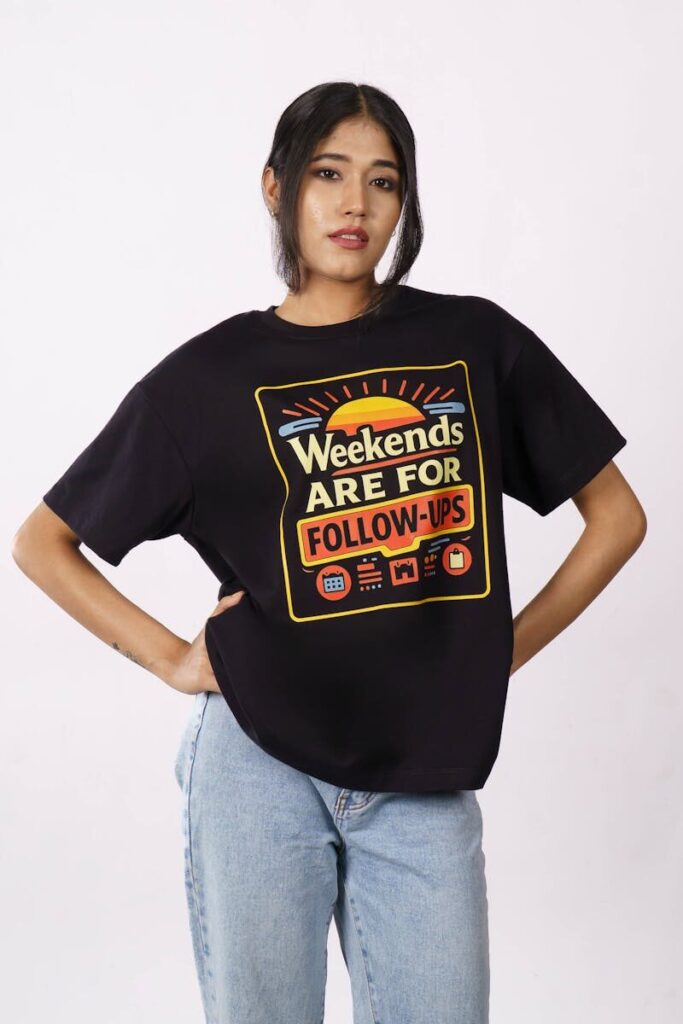
Photo by BANDAR BAANT on Pexels
References
- Curbell Plastics — Polyester PET Film Properties
- Barnard — A Beginner’s Guide to Screen Printing
- Printful — How to Prepare Perfect Print Files
- Printful — Color Modes for Print Explained
- Galaxy Press — The Ultimate Heat Press Guide: Temperature and Time Settings
- Bella+Canvas — How to Heat Press on 3 Types of Fabric
- French Press Custom — How to Prepare Your Artwork for Screen Printing