A DTF (Direct-to-Film) transfer is a printed design created on special PET film using CMYK and white ink, coated with hot-melt adhesive powder, cured, and then heat-pressed onto a garment or product. Unlike DTG printing, DTF requires no fabric pretreatment, works on cotton, polyester, blends, and dark or light fabrics alike, and produces vibrant, durable prints that can last 50 to 100 wash cycles.
If you’ve ever wondered how custom t-shirts get their crisp, full-color designs without cracking or fading after a few washes, you’ve probably stumbled across DTF transfer printing. It’s become one of the fastest-growing methods in garment decoration, and for good reason.
This guide won’t just define DTF transfers. It walks through the entire process, from the moment an idea becomes digital artwork to the moment it’s pressed onto a finished shirt, hat, or tote bag. Whether you’re a hobbyist with a heat press in your garage or a growing print shop scaling up production, understanding each step helps you get better, more consistent results. And if you’d rather skip the printing equipment altogether, that’s where a supplier like Limitless Transfers comes in — but more on that later.
What Is a DTF Transfer?
DTF stands for Direct-to-Film. Instead of printing a design directly onto fabric (like direct-to-garment printing does), DTF printing technology prints the design onto a specialized PET transfer film first. The design is then treated with adhesive powder, cured, and later heat-pressed onto the final product.
Direct to film printing gained traction in the early 2020s among small and mid-size print providers, and adoption accelerated once major printer manufacturers began releasing dedicated DTF equipment (Wikipedia, 2025). That growth hasn’t slowed. More than 7.2 billion DTF prints were produced globally in 2024, an increase of nearly 30% over the previous year, according to the World Textile Information Network (2025). Market analysts at 360iResearch estimate the DTF printer market was worth $2.68 billion in 2025, with continued growth projected through the decade.
What makes DTF transfer printing so appealing is its flexibility. It works on a wider range of printed fabrics than DTG, doesn’t require pretreatment, and produces sharp, vibrant results even on dark or textured materials. That combination of convenience and quality is why so many print professionals now rely on it as a go-to production method.

Photo by DISPLACED BY DESIGN CLOTHING on Pexels
Step 1: Creating the Artwork
Every DTF transfer starts as digital artwork. Designers typically build their files in Adobe Illustrator or Photoshop, though beginner-friendly platforms like Canva work well too. If you’re new to design fundamentals, Adobe’s design resources and Canva’s Design School are both excellent, beginner-friendly places to start.
A few technical details matter here:
- Resolution: Artwork should be at least 300 DPI to avoid blurry or pixelated prints.
- Background: Files need a transparent background so only the design (not a white box) transfers onto the garment.
- File type: Vector artwork (like an AI or EPS file) scales cleanly at any size, while raster images (like PNGs) need to be created at the final print size to preserve quality.
- No mirroring required: Unlike heat transfer vinyl (HTV), DTF artwork typically doesn’t need to be mirrored before printing — the printer’s RIP software handles that.
Speaking of RIP (Raster Image Processor) software, it plays a critical role in preparing files for DTF printing. It manages white ink layers, color output, and ink usage, ensuring the printer applies the right amount of ink and white underbase for accurate color reproduction. For color-critical projects, referencing a standardized system like Pantone can help ensure the final print matches your intended brand colors.
Step 2: Printing the Design Onto PET Film
Once the artwork is ready, it’s sent to a DTF printer, which prints in reverse onto a roll of PET film (roughly 0.75mm thick) instead of directly onto fabric. The printer lays down CMYK color first, then follows with a layer of white ink underneath to create an opaque backing. That white layer is what makes DTF prints so vibrant, even on black or navy garments.
DTF printers can reproduce fine detail at resolutions up to approximately 1200 DPI, which means intricate logos, small text, and complex gradients all come through with sharp clarity. This level of detail reproduction is one of the biggest reasons businesses in the printing industry choose DTF over other printing methods that struggle with fine lines or multi-color artwork.
Step 3: Applying the Hot Melt Adhesive Powder
While the ink is still wet, the printed film passes through a stage where thermoplastic polyurethane (TPU) hot-melt adhesive powder is applied. The powder sticks only to the wet, printed areas of the film — not the blank spaces — which is what allows the final transfer to bond to fabric during pressing.
After the powder is applied, any excess is shaken off. Larger operations use automated powder shakers for consistent, even coverage, while smaller setups may apply powder manually. Either way, an even coat is essential; too little adhesive means poor bonding, and too much can create a stiff, uneven feel on the finished garment.
Step 4: Curing the Transfer
Next, the powdered film moves into a curing oven, where heat melts the adhesive powder and fuses it to the printed ink. This creates a stable, ready-to-press transfer sheet.
One advantage of DTF that’s easy to overlook: once cured, transfers can be stored and used later. Direct to Film San Antonio’s research notes that unused DTF transfers can be stored for up to three years under proper conditions, kept flat, in airtight containers, away from moisture and heat. That decoupling of printing and pressing is part of what makes on-demand production so efficient with DTF.
Step 5: Receiving Ready-to-Press DTF Transfers
This is the step where a lot of businesses choose to skip the equipment entirely. Instead of investing in a DTF printer, powder shaker, and curing oven, many creators and shop owners simply order pre-made transfers from a supplier and go straight to pressing.
This is exactly the role Limitless Transfers plays. Customers upload their artwork through a gang sheet builder or file uploader and receive award-winning, true hot-peel transfers ready to press. There’s no large equipment investment, no maintenance, and no learning curve for printer calibration. Orders placed by noon EST typically ship the same day, and orders over $50 qualify for free UPS Ground shipping — a meaningful advantage for anyone trying to keep turnaround times tight.
Step 6: Preparing the Garment
Before pressing, the garment or product needs to be ready. DTF transfers work across an unusually wide range of materials, including 100% cotton, poly blends, tri-blends, nylon, canvas, denim, leather, neoprene, non-woven fabrics, and even wood.
A quick pre-press — running the heat press over the blank garment for a few seconds — helps remove moisture and wrinkles, which improves adhesion. This step is easy to skip but makes a noticeable difference in how well the transfer bonds.
Step 7: Positioning the Transfer
Placement matters just as much as the printing quality. Common placements include:
- Center chest
- Left chest (smaller logos)
- Full back prints
- Sleeve or tag placements
- Pocket-sized designs
DTF handles tricky placements — like sleeves, tags, or pocket areas — better than many alternative printing methods, since the film is flexible and can be trimmed precisely to fit smaller or irregular spaces.
Step 8: Heat Pressing the Transfer
This is where the transfer actually becomes part of the garment. A heat press applies controlled heat, pressure, and time. According to Direct to Film San Antonio, typical pressing conditions run around 300–320°F for about 15 seconds, though exact settings vary depending on the specific film and fabric type. Wikipedia’s overview of the DTF process cites a similar range of 160–170°C (320–338°F) for 10–15 seconds.
Consistent, even pressure is essential — a professional heat press machine delivers far more reliable results than a household iron, though some transfers can be applied with even a household iron if the manufacturer’s instructions specifically allow for it. For those researching equipment options or press settings, Heat Press Nation’s Learning Center offers detailed, practical guidance on getting consistent results.
Step 9: Peeling the Film
Once pressed, the PET carrier film is peeled away. Depending on the transfer, this happens either while the fabric is still hot (hot peel) or after it has cooled (cold peel).
Limitless Transfers specializes in true hot-peel transfers, which means the film lifts away cleanly the moment pressing finishes. That translates directly into faster production, since there’s no waiting around for garments to cool before moving to the next one, which matters most when filling large or time-sensitive orders.
Step 10: Enjoying the Finished Product
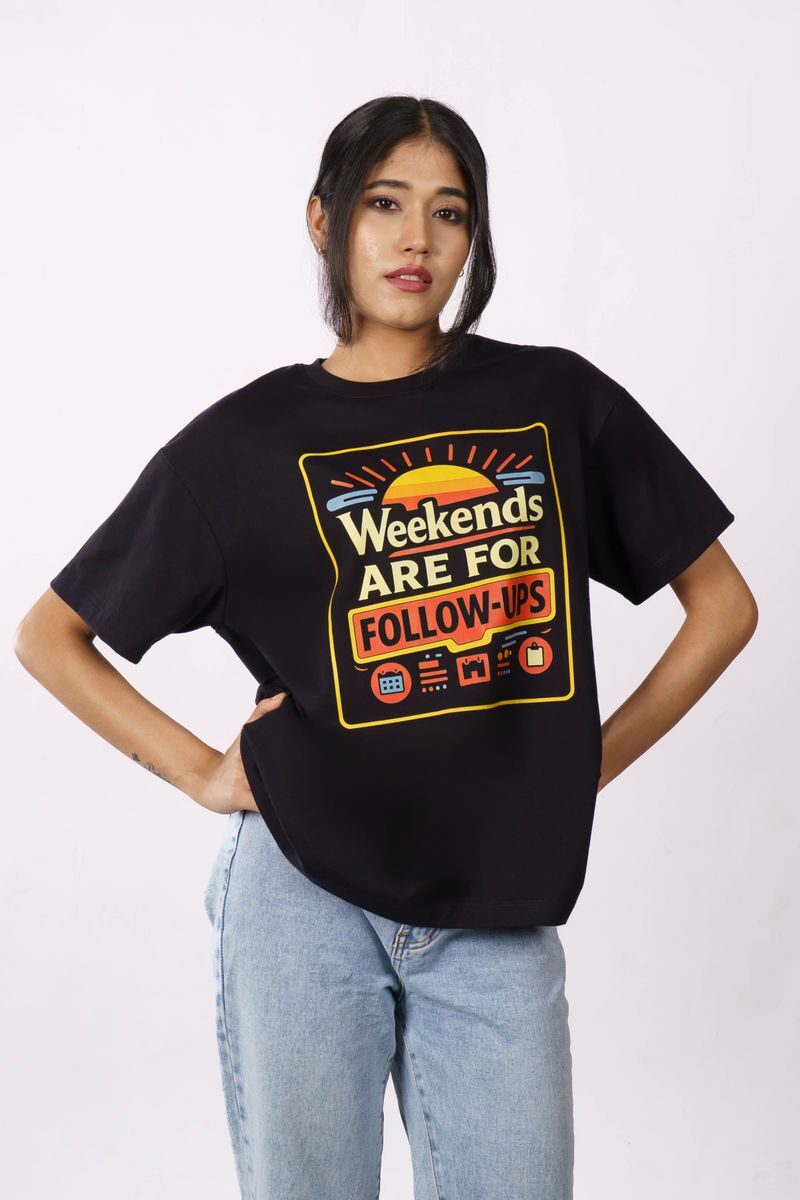
The result is a garment with a vibrant, full-color design that has a soft-hand feel rather than a thick, plasticky texture. High-quality DTF prints resist cracking and fading and can withstand 50 to 100 wash cycles, according to research cited by DTF San Antonio, outperforming DTG (30–40 washes) and holding up as well as, or better than, HTV in flexibility and stretch resistance.
DTF transfers show up on far more than just t-shirts. Hoodies, hats, tote bags, jackets, canvas goods, leather patches, and promotional merchandise are all common applications, which is part of why DTF has become a favorite for everything from small Etsy shops to large event merchandise runs.
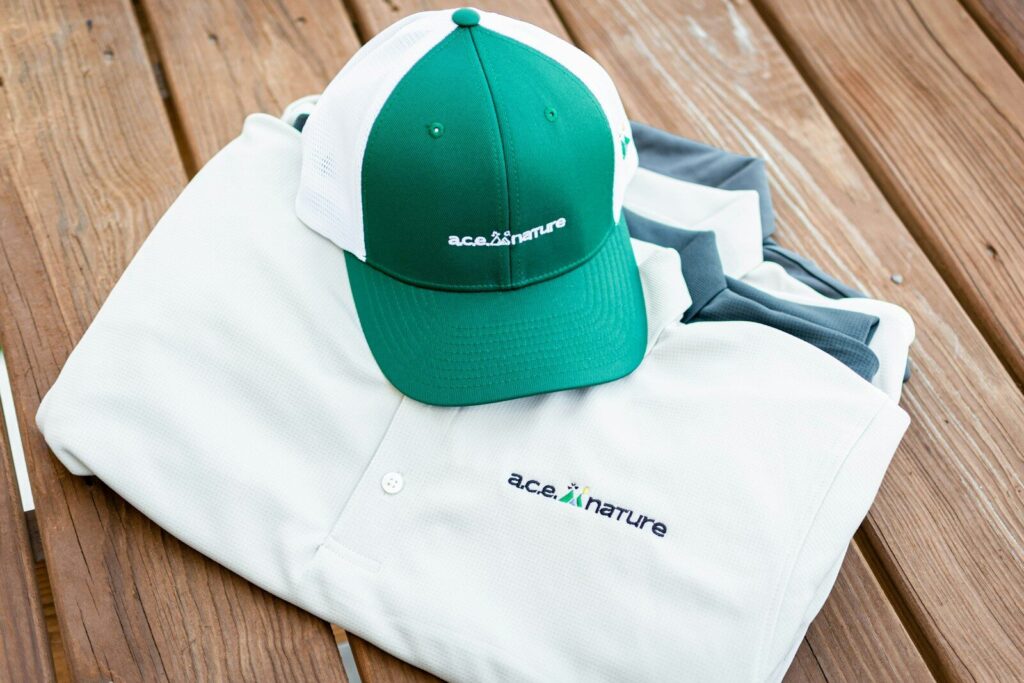
Photo by Will Breen on Unsplash
Why More Businesses Are Choosing Direct To Film Printing
How does DTF printing compare to screen printing?
Screen printing still wins for very large production runs where the same design is repeated thousands of times. But for small to medium quantities, DTF has clear advantages: no setup fees, no screen burning, full-color reproduction without additional cost per color, and faster turnaround for complex, multi-color artwork.
How does DTF compare to DTG printing?
DTG (Direct-to-Garment) printing usually requires fabric pretreatment, particularly on dark garments, which adds time and cost to each job. DTF generally skips that step, works across a broader range of fabric types, and simplifies inventory since transfers can be printed in advance and pressed on demand.
How does DTF compare to sublimation and other conventional printing techniques?
Sublimation dye works best on white or light-colored polyester, since the ink needs to bond directly with polyester fibers. DTF, by contrast, works well on cotton, blends, dark garments, nylon, canvas, and even leather — a much wider range of materials and colors.
What Does DTF Transfer Cost?
DTF pricing depends on a handful of factors: design size, order quantity, and whether you’re ordering individual transfers or a gang sheet (multiple designs printed together to maximize film space and reduce cost per unit). Unlike screen printing, DTF pricing generally doesn’t spike based on the number of colors in a design, since the full-color DTF printing process costs the same regardless of complexity.
For hobbyists and startups, this pricing structure is a real advantage. There’s no need to commit to large minimum orders just to make a design affordable, and gang sheets make it easy to combine multiple small designs into a single, cost-efficient order.
Common Beginner Mistakes to Avoid
Even with quality transfers, a few common mistakes can undermine results:
- Low-resolution artwork: Anything under 300 DPI risks looking blurry once pressed.
- Incorrect heat press settings: Too little heat or pressure leads to poor adhesion; too much can scorch the design or the fabric.
- Skipping the pre-press step: Moisture and wrinkles in the garment reduce how well the transfer bonds.
- Poor positioning: Rushed placement leads to crooked or off-center designs.
- Using the wrong garment for the transfer: Not all fabrics respond the same way to heat and pressure, so it’s worth testing new materials before running a full batch.
- Peeling at the wrong time: Peeling too early or too late, depending on whether the film is hot-peel or cold-peel, can pull the design apart or leave adhesive residue.
Why Choose Limitless Transfers
After going through this process step by step, it’s easy to see why so many shops skip in-house DTF printing altogether and work with a dedicated supplier instead. Limitless Transfers has earned back-to-back first-place awards for DTF quality in 2024 and 2025, backed by expanded gamut CMYK+RGBO+W printing for unmatched color accuracy and a soft-hand feel that holds up under repeated washing.
Same-day shipping on orders placed by noon EST, free UPS Ground shipping on orders over $50, and no minimum order requirements make it accessible for hobbyists just getting started and scalable for established print shops running high-volume production. The gang sheet builder simplifies file prep for anyone without advanced design software, and true hot-peel technology keeps production moving quickly when deadlines are tight.

Photo by Towfiqu barbhuiya on Unsplash
Frequently Asked Questions
How does a DTF transfer work?
A DTF transfer works by printing a design onto PET film using CMYK and white ink, applying hot-melt powder to the wet ink, curing the film, and then heat-pressing the finished transfer onto fabric or another surface.
What are the disadvantages of DTF printing?
The main drawbacks apply mostly to businesses printing in-house: DTF printers, curing ovens, and powder shakers require upfront investment, and there’s a learning curve around dialing in heat press temperature, time, and pressure. Ordering ready-to-press transfers from a supplier removes most of these barriers.
Is DTF better than vinyl (HTV)?
DTF generally offers better detail reproduction, especially for gradients, small text, and multi-color designs, and produces a softer hand feel than many vinyl transfers. HTV can still be a good fit for simple, single-color designs cut from solid sheets.
What is the difference between DTF and sublimation?
DTF sits on top of the fabric and works on cotton, blends, dark garments, and more, while sublimation dye bonds directly into polyester fibers and only works well on light-colored polyester fabrics.
Can DTF transfers be stored before pressing?
Yes. Cured DTF transfers can be stored for up to roughly three years when kept flat, away from moisture and heat, which makes it easy to print in batches and press on demand.
Can DTF transfers be applied with a household iron?
Some DTF transfers can be applied with a household iron if the manufacturer’s instructions specifically support it, though a heat press machine delivers more consistent temperature, pressure, and results.
What fabrics work best with DTF transfers?
DTF works across an unusually wide range of materials, including 100% cotton, polyester, blends, nylon, canvas, denim, leather, and neoprene, making it one of the most versatile transfer methods available.
How durable are DTF transfers?
High-quality DTF transfers can withstand 50 to 100 wash cycles without significant fading or cracking, outperforming DTG prints and holding up comparably to screen printing in wash durability.
Are DTF transfers good for small businesses?
Yes. DTF transfers are well-suited to small businesses because they don’t require large minimum orders, work across many product types, and allow for full-color, detailed designs without the setup costs associated with screen printing.
Bringing It All Together
From a flat digital file to a finished, wearable design, DTF transfer printing is a genuinely accessible process — but it’s also one where quality control at every step, from artwork resolution to heat press settings, determines the final result. Understanding that full journey makes it easier to troubleshoot problems, set realistic expectations, and choose the right partner for the parts of the process you’d rather not handle yourself.
For creators, hobbyists, and growing businesses who’d rather focus on design and sales than printer maintenance and curing ovens, ready-to-press transfers offer a simpler path to professional results. Limitless Transfers delivers award-winning DTF quality with fast turnaround, flexible ordering, and no minimums, so you can go from artwork to finished garment without the guesswork.
7 Helpful DTF Transfer Resources to Bookmark
- Limitless Transfers Print Size Visualizer — Preview exactly how your design will look on real garments, check your resolution, and download mockups before you press.
- Limitless Transfers Gang Sheet Builder — Build and submit ready-to-print gang sheets with ease, no advanced design software needed.
- DTF Transfer Size & Placement Guide – Apex Transfers — A practical reference for common print sizes and placement measurements across adult, youth, and specialty garments.
- DTF Artwork & Pressing Guide – Brandum — Covers artwork setup, document sizing, DPI requirements, and file prep from start to finished print.
- DTF Heat Press Settings: Temperature, Time, and Pressure – DTF Transfers — Straightforward guidance on dialing in the right temperature, pressure, and dwell time for consistent results.
- DTF Transfer Resolution Requirements – DTF Sheet — Explains DPI standards, pixel dimensions, and how to check whether your artwork will print sharp at any size.
- The Ultimate Guide to the Best Heat Press for DTF Transfers – DTF Virginia — Helps you choose the right heat press size and style for your production volume and garment types.