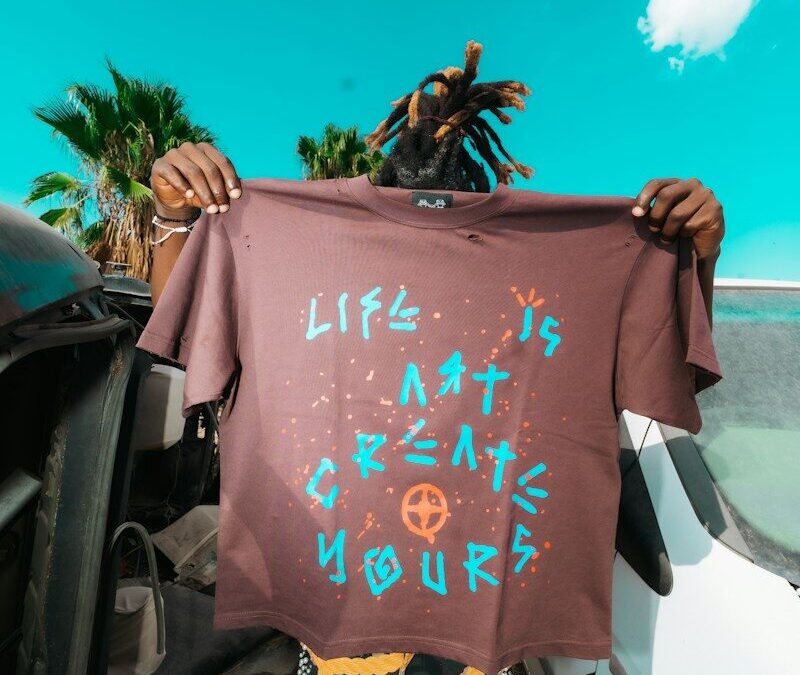
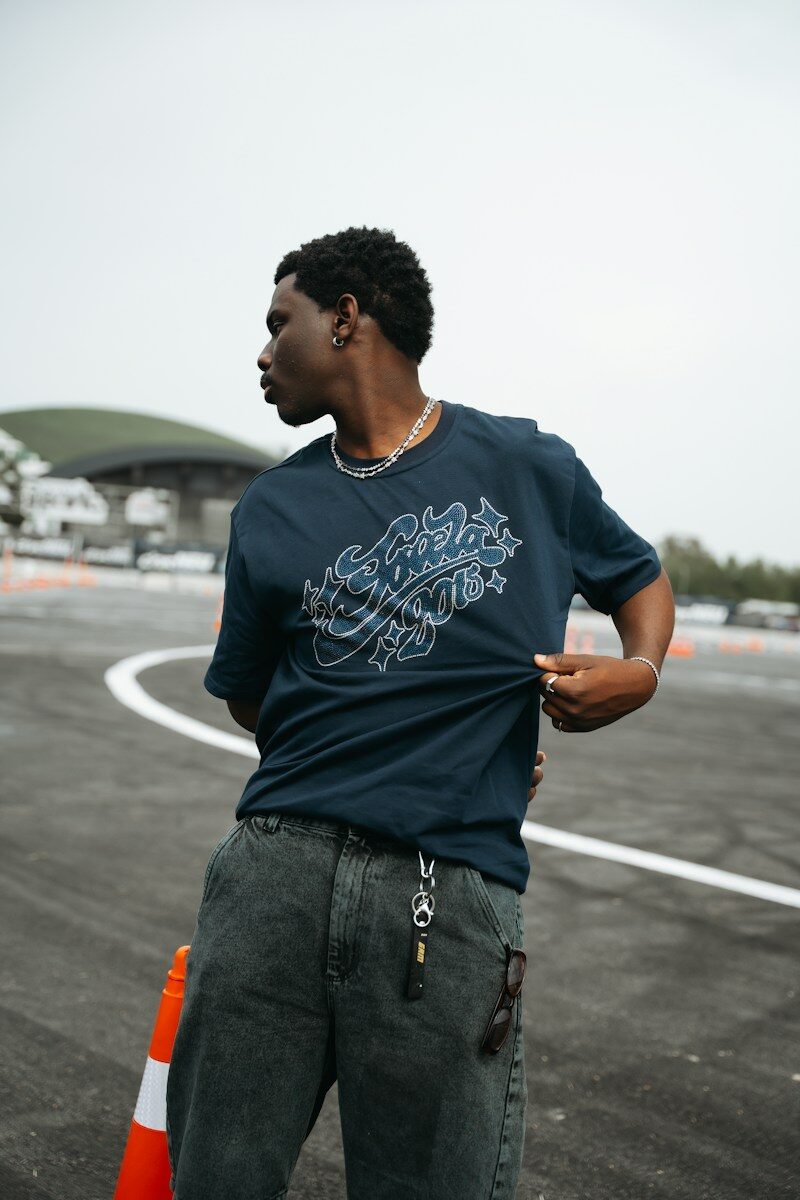
Dark shirts can absorb light and dull your colors, but DTF transfers solve this with a built-in white underbase. For vibrant results on black, navy, or forest green garments, we rely on high-opacity white ink, crisp artwork, correct heat press settings, premium film and powder, and proper garment care.
Black shirts, navy, forest green, burgundy, and royal blue shirts are some of the most popular apparel choices for brands, sports teams, and custom merchandise businesses. Dark colors photograph well, hide stains, and feel premium—but they’ve historically been a headache to print on. Why? Because dark fabrics absorb light instead of reflecting it, which makes colors appear dull, muddy, or washed out compared to how they’d look on a white shirt.
This is where direct-to-film (DTF) transfers change the game. Unlike older decoration methods that struggle with dark backgrounds, DTF transfers include a built-in white underbase layer that creates a bright, opaque foundation underneath your design. That foundation is what allows reds, yellows, and royal blues to pop against even the darkest fabric.
In this guide, we’re sharing six professional secrets we use to consistently produce vibrant, long-lasting prints on dark garments. Whether you’re running a print shop, an Etsy store, or printing uniforms for a local team, these tips will help you avoid the common pitfalls that lead to faded, muted, or peeling prints.
Photo by Anton K Wibowo on Unsplash
Why Are Dark Shirts More Challenging to Print?
Dark fabric absorbs light rather than reflecting it, which directly affects how colors appear to the human eye. On a white shirt, the fabric itself reflects light back through translucent inks, amplifying brightness. On a black or navy shirt, that same ink gets absorbed into the dark background, and colors can look gray, muted, or murky.
This is why printing on dark garments requires a different approach than printing on light shirts. Bright colors need a strong, opaque foundation to sit on top of—otherwise, the black or dark fabric shows through and distorts the final appearance of the design. Understanding this principle is the foundation for every tip that follows.
Secret #1: Always Use a High-Opacity White Underbase
Why Does the White Layer Matter So Much?
DTF transfers require a white ink underbase to print successfully on dark fabrics. This white layer is automatically generated during the DTF printing process, acting as a buffer between the dark fabric and your colored inks.
Not all white underbases are created equal, though. High-quality DTF transfers use at least 85% white opacity, which produces a solid, bright base that lets your colors shine through exactly as designed. Lower-quality transfers often cut corners with only 60–70% white ink, and the result is predictable: faded, washed-out prints where the black or navy fabric bleeds through the design.
This matters most with bold colors like red, yellow, and royal blue, or with detailed company logos and branding that need to look crisp and accurate. A strong white underbase is the single biggest factor separating vibrant prints from disappointing ones.
Secret #2: Start With High-Resolution Artwork
Why Do Great Prints Begin With Great Design Files?
No amount of skillful printing can fix a blurry or low-quality design file. We recommend starting with artwork at 300 DPI, using vector files whenever possible, and ensuring transparent backgrounds so your image sits cleanly on the garment.
Understanding pixel resolution is a useful place to start if you’re new to print-ready artwork—Adobe explains how pixels per inch affects image quality and sharpness, which directly impacts how crisp your transfer looks once pressed.
Vector files deserve special mention here. As Adobe explains, vector images are built from mathematical descriptions of lines, curves, and shapes rather than pixels, so they can scale to any size—from a small tee to a large banner—without becoming blurry or pixelated. Common vector formats include AI, EPS, PDF, and SVG files. If your logo needs to appear on small hats and oversized hoodies alike, a vector file is the safer bet.
Crisp edges and fine details matter enormously for logos, work uniforms, and promotional apparel where brand accuracy is non-negotiable. If your artwork is pixelated or low-resolution to begin with, no printing technique can rescue it.
Secret #3: Choose the Right Fabric
One of the biggest advantages of DTF transfers is fabric versatility. Unlike some decoration methods that only work on specific materials, DTF transfers adhere well to:
- Cotton
- Cotton blends
- Polyester
- Tri-blends
- Nylon
- Canvas
- Denim
- Leather
This flexibility means you’re not limited to a narrow range of dark cotton tees. You can confidently print on dark denim jackets, nylon bags, or leather patches using the same transfer process. If you’re curious about cotton’s specific properties, CottonWorks offers helpful resources for textile professionals, noting that cotton naturally provides heat and moisture regulation benefits that can affect how transfers adhere and feel on the garment.
Secret #4: Perfect Your Heat Press Settings
What Heat Press Settings Work Best for Dark Fabric?
Even the best transfer will underperform if your heat press settings are off. We recommend a few non-negotiable steps:
- Lint roll the garment before pressing to remove any debris that could interfere with adhesion.
- Pre-press the shirt for 5–10 seconds before applying the transfer. This removes moisture and wrinkles from the fabric, which significantly improves adhesion.
- Use the right temperature. For black fabrics, around 320°F is a common starting point, but always follow your transfer manufacturer’s specific recommendations, since film and ink formulations vary.
- Apply even, consistent pressure across the entire design.
- Time your press correctly, then use the hot peel method—removing the film while it’s still warm.
Skipping these steps often leads to bubbling, edge lifting, or poor adhesion. True Hot Peel transfers are designed to speed up this process, letting you peel immediately after pressing rather than waiting for the transfer to cool, which is a major time-saver for high-volume shops.
For more detail on dialing in time, temperature, and pressure, STAHLS’ heat press education resources are a solid reference point for anyone refining their process.
Secret #5: Use Premium Powder and High-Quality Transfers
Not all DTF transfers are built the same, and the materials behind the scenes matter. Fine powder creates smoother, more even white layers, which translates directly into better color vibrancy on the finished shirt. Some shops also experiment with black DTF powder, which may improve aesthetics on certain dark garments depending on workflow and design.
Film quality matters just as much. Better film produces a cleaner release during peeling, while premium transfers resist cracking and peeling over time. The result is a soft-hand feel with a slightly raised texture—professional enough that customers notice the difference without even knowing why.
When sourcing transfers, it’s worth understanding the difference between RGB and CMYK color spaces, since this affects how accurately your screen colors translate to printed ink. According to Adobe, “Web graphics typically use RGB for accurate screen display, while commercial printing projects require CMYK for accurate ink reproduction.” Choose a transfer provider that accounts for this difference if color accuracy matters for your brand.
Secret #6: Care for Finished Garments Properly
Even a perfectly printed shirt can fail prematurely if it’s not cared for correctly. We recommend:
- Waiting before the first wash to let the transfer fully cure
- Washing inside out
- Using cold water
- Choosing a mild detergent
- Drying on low heat
- Avoiding bleach entirely
Quality DTF prints are designed to resist fading, cracking, and peeling when cared for properly, which means your bright colors stay bright wash after wash. If you need a refresher on reading care labels, Tide’s guide to laundry symbols breaks down what cold water settings, low-heat drying, and “do not bleach” symbols actually mean.
Photo by Daniel Banks💙📸 on Pexels
Common Mistakes When Printing DTF Transfers for Dark Shirts
Even experienced printers run into trouble when they skip extra steps with dark shirt transfers. Common mistakes include:
- Using low-opacity white ink
- Skipping the pre-press step
- Leaving moisture in the garment before pressing
- Using incorrect heat settings
- Peeling at the wrong time or temperature
- Working from poor-quality artwork
- Choosing cheap, unreliable transfers
- Skipping a test print before a full production run
That last point deserves emphasis: testing a sample shirt before committing to a large production run can save significant money by catching issues—faded colors, uneven adhesion, dull prints—before they affect dozens or hundreds of garments.
For anyone wanting a broader industry perspective on apparel decoration methods, PRINTING United Alliance’s Apparel Decoration community covers screen printing, dye sublimation, direct-to-garment, embroidery, and DTF production techniques in more depth.
Why We Recommend True Hot Peel DTF Transfers
At Limitless Transfers, we’ve built our process around solving exactly the challenges dark garments present. Our True Hot Peel DTF transfers use an expanded CMYK+RGBO+W color gamut—nine inks instead of the standard five—which means colors land on the shirt closer to how they appeared in your original design file. The white underbase is built in, so colors pop on dark garments without the muddiness that plagues lower-quality transfers.
We’ve earned back-to-back 1st Place honors for DTF quality in 2024 and 2025, and we offer same-day or next-business-day shipping with no setup fees and no or low minimums. Orders over $50 ship free via UPS Ground.
Our Gang Sheet Builder lets you upload artwork by size, making it easy to organize bulk orders efficiently, whether you’re printing one design or dozens. We’re also a one-stop shop for heat presses and supplies, so you don’t need to juggle multiple vendors to get your shop running.
Small businesses, Etsy sellers, Shopify stores, print shops, promotional companies, school apparel programs, and corporate uniform providers all rely on DTF transfers for the same reason: consistent, vibrant results on dark garments without the guesswork.
Frequently Asked Questions
Can DTF transfers go on dark shirts?
Yes. DTF transfers are specifically well-suited for dark shirts because they include a built-in white ink underbase. This white ink layer creates an opaque foundation that prevents the dark fabric from muting or graying out the colors printed on top, resulting in bright, accurate prints on black, navy, and other dark garments.
Can DTF transfers go on any color shirt?
Yes. DTF transfers are compatible with nearly every garment color and a wide range of fabric types, including cotton, cotton blends, polyester, tri-blends, nylon, canvas, denim, and leather. The white underbase ensures consistent color accuracy regardless of the shirt’s base color.
What is the best heat transfer paper for dark shirts?
DTF transfers don’t use traditional heat transfer paper at all. Instead, they use a specialized DTF film that holds the printed design and white underbase until it’s heat-pressed onto the garment. This film-based approach is part of why DTF transfers produce more durable, vibrant results on dark fabrics than older heat transfer paper methods.
How do you apply transfers on dark clothes?
The basic process involves five steps: lint roll the garment to remove debris, pre-press the shirt for 5–10 seconds to eliminate moisture and wrinkles, position the transfer carefully on the garment, heat press using the correct temperature, time, and pressure for your fabric, then hot peel the film while it’s still warm. A final press is sometimes recommended depending on the transfer manufacturer’s guidance.
Photo by Wanderlust_Lensman on Pixabay
Bright Prints on Dark Shirts Start With the Right Process
Dark shirts no longer have to mean compromised color. When you combine quality artwork, a strong white underbase, correct heat press settings, premium transfer materials, and proper garment care, dark fabrics can display colors just as vibrant as any white tee.
Our award-winning True Hot Peel DTF transfers are built specifically to deliver consistent, professional results on black shirts and other dark garments, order after order. Ready to put these tips into practice? Upload your artwork, build a gang sheet, or place a custom DTF transfer order with Limitless Transfers for your next project.